


手机用户
IOS(iPhone,iPad,iTouch):
无忧府APP->下载配置文件->OpenVPN->手工配置
安卓用户:
手工配置->openvpn->strongswan(iKev2)->sstp
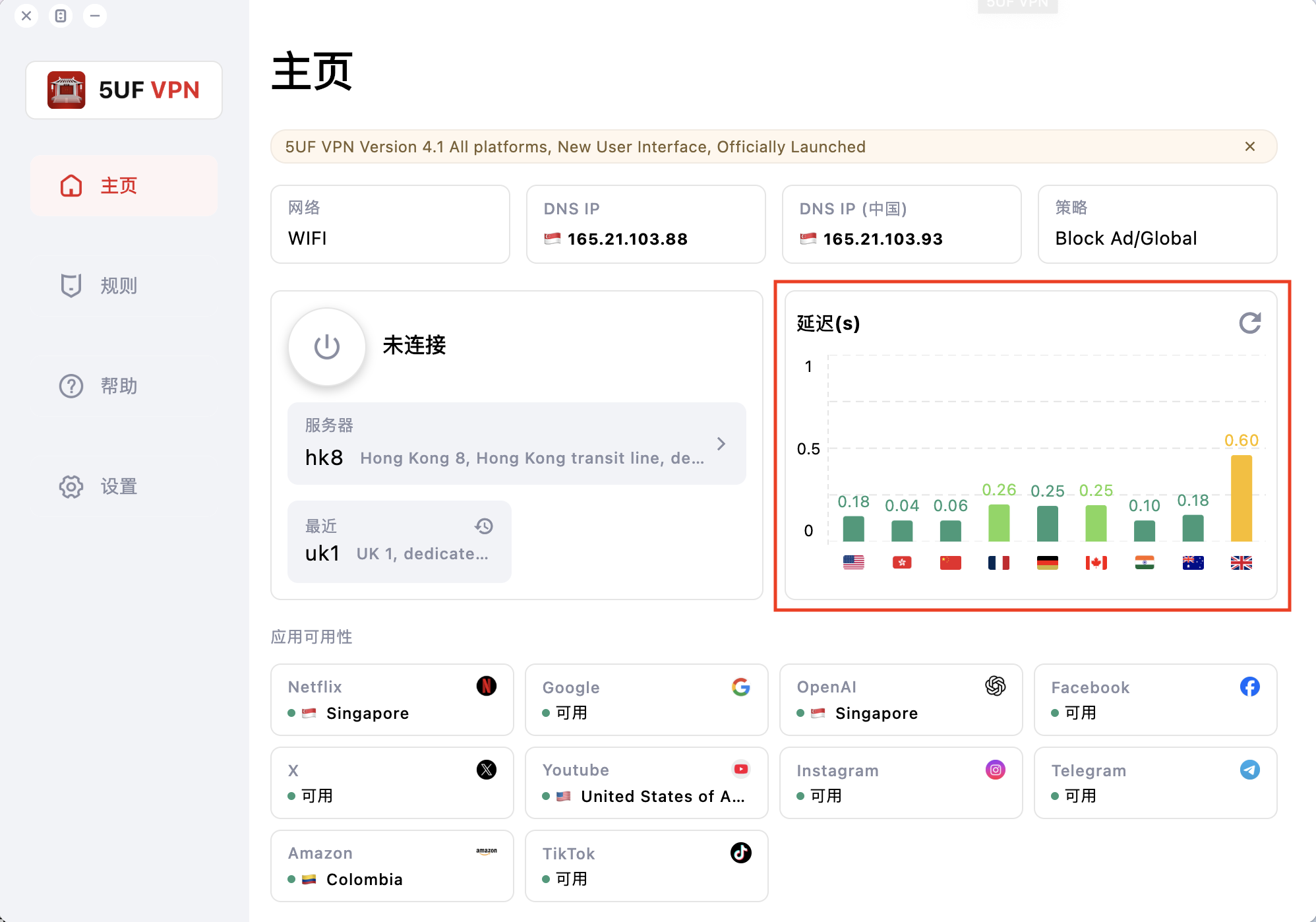
Discover one of our latest client features — instantly test your internet speed and seamlessly explore IP addresses from around the world.
Check Your Wi-Fi Speed with Ease
With our app, you can instantly monitor your personal Wi-Fi speed. On the right side of the screen, you’ll see real-time performance indicators showing how your connection performs across various locations worldwide.
-
Before VPN Connection:
If the indicators appear mostly in red or yellow, this means your base internet connection is slow. In such cases, connecting to the VPN will not increase your speed—it will reflect the limitations of your current network.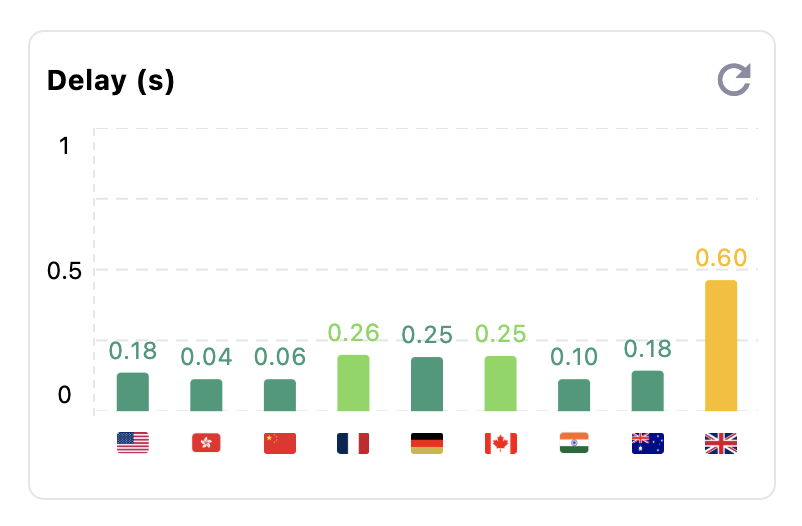
-
After VPN Connection:
Click on the bar graph to view your IP address and track how it changes as you connect to different VPN locations. This allows you to quickly identify whether any issues are related to your ISP or the VPN connection itself.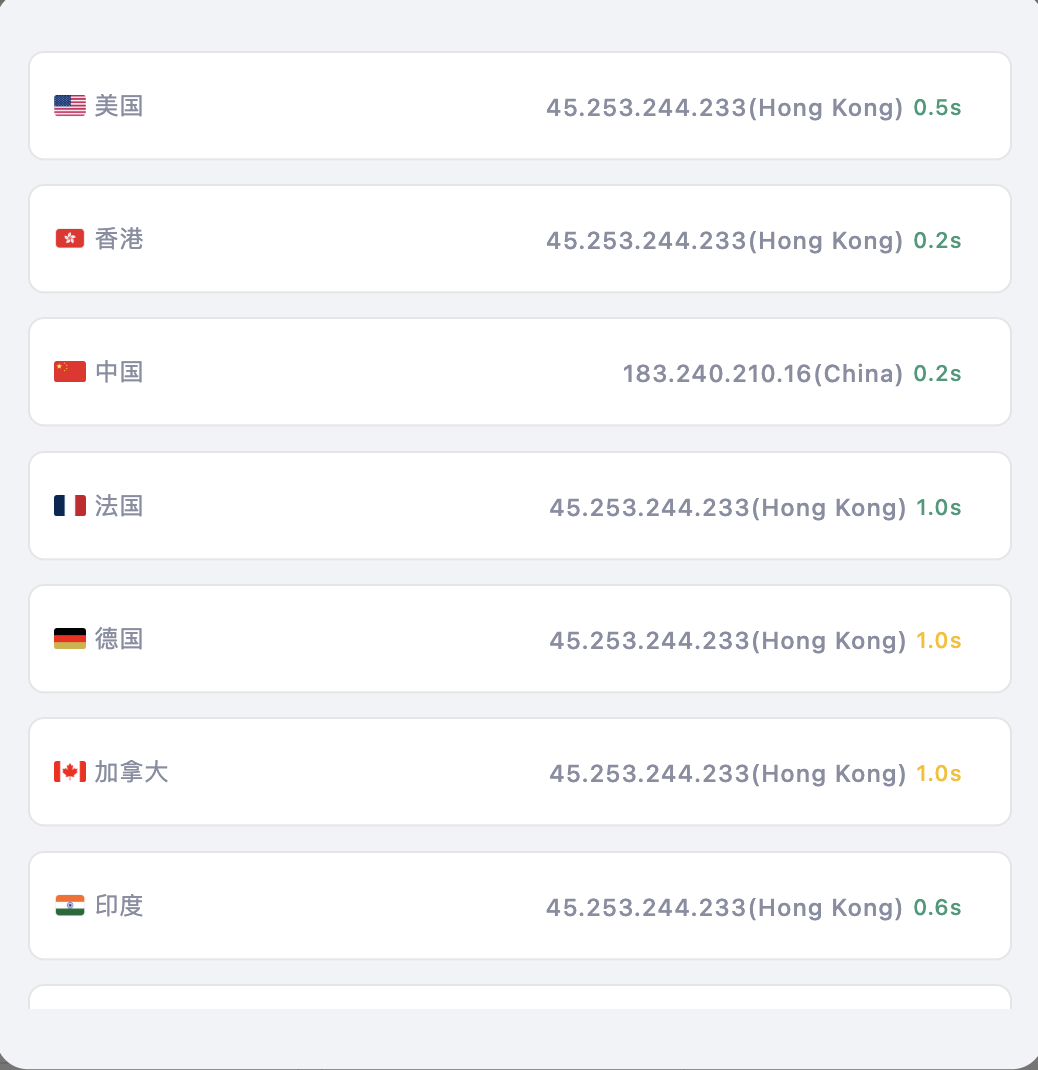
-
Refresh Any Location:
Simply tap on a location to refresh its status and get updated performance data.


